
HDMI Cable Reviews
& Buying Guides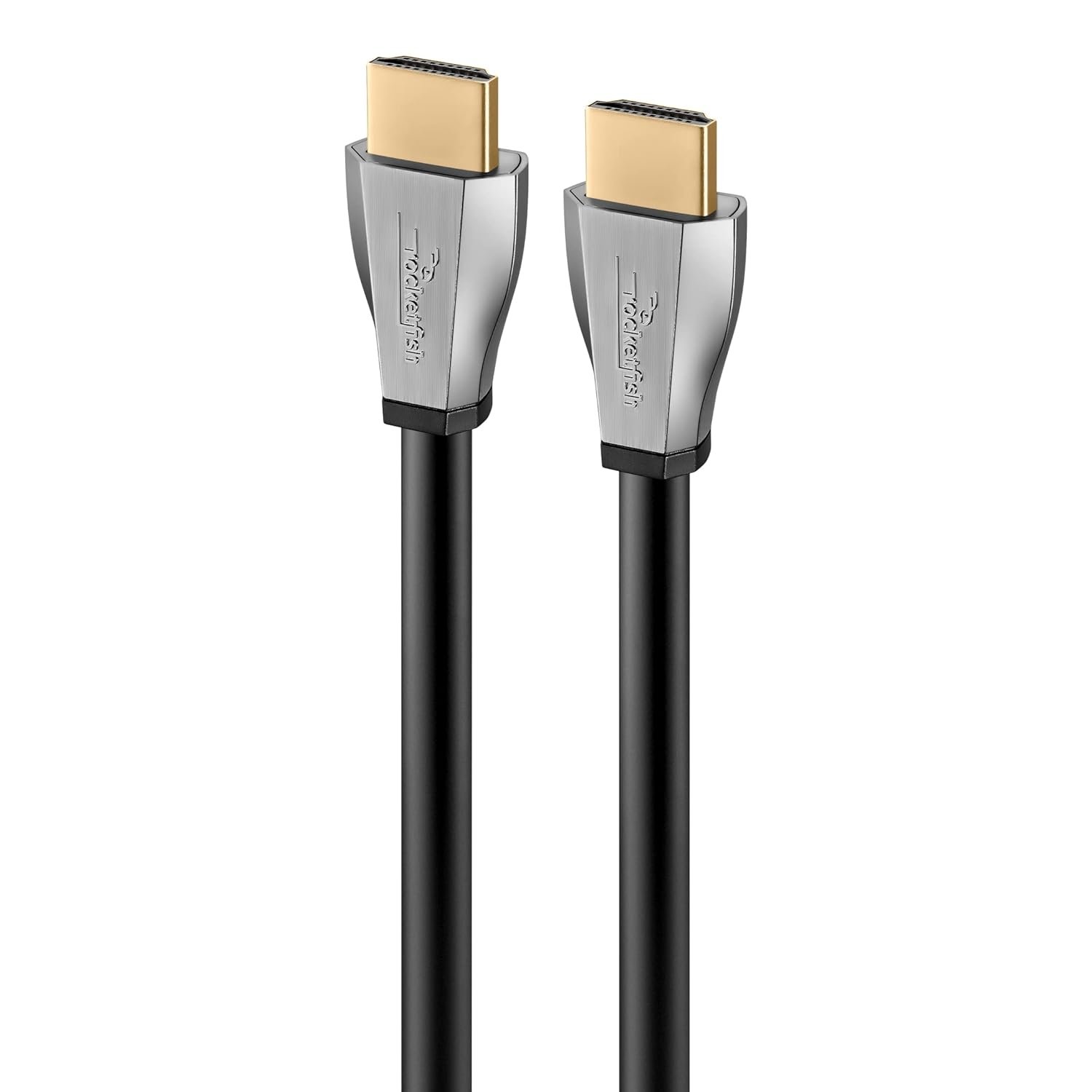
As an Amazon Associate we earn from qualifying purchases.
Our picks by use case

Browse by need
Quick comparison
| Cable | Spec | Verdict | Price |
|---|---|---|---|
| Rocketfish 8K | HDMI 2.1 Certified / 8K@60Hz | RECOMMENDED | Check → |
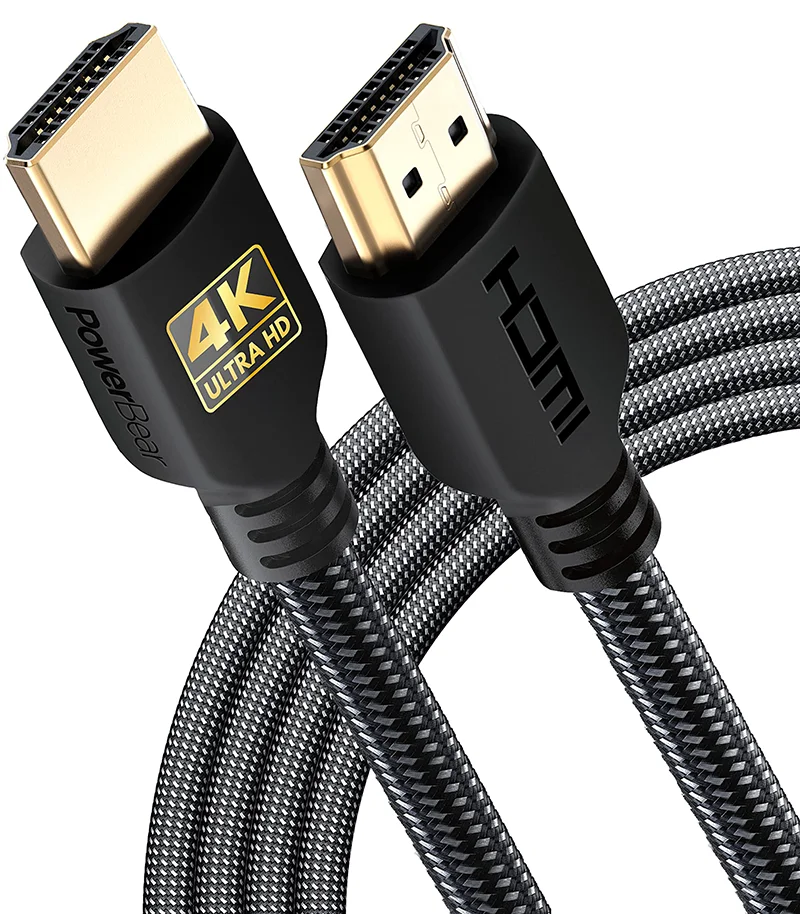
| PowerBear 4K HDMI Cable | 4K@60Hz / 18Gbps | SMART BUY | Check → |
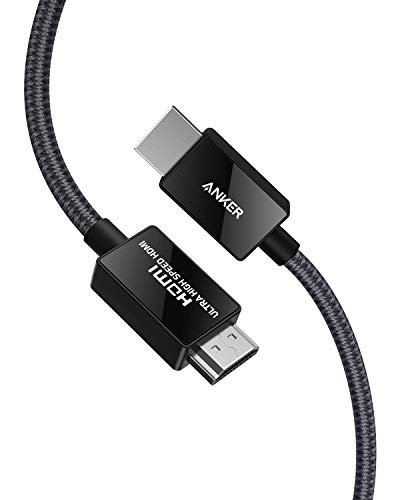
| Anker HDMI Cable | 4K/HDR / 18Gbps | BUY | Check → |
| AudioQuest Forest HDMI Cable | HDMI 2.1 / 48Gbps | RECOMMENDED | Check → |
What actually matters in an HDMI cable
Certification · speed rating · in-wall rating · not the price tag
Latest reviews
Do a little research before purchasing a HDMI Cable
Two things determine whether an HDMI cable works for your setup: the certification tier and the length you need. Everything else is secondary, including the brand name on the box. A certified cable that matches your device’s resolution and refresh rate delivers a clean digital signal whether it’s the cheapest option on the shelf or a premium model, so for most living rooms a budget-priced certified cable is the right call. The sections below cover how cables are built, what the four certification tiers mean, which connector fits your gear, when an in-wall rating matters, and how to spot the fakes that don’t meet spec at all. For the full walkthrough, start with our HDMI cable buying guide.
Buying the Best Cable for your Home Theater
A home theater cable just has to match the job. A cable rated for your device’s resolution and refresh rate performs identically to a pricier cable at the same tier and length. The signal is digital, so it either arrives intact or it doesn’t. Spend more where the job is genuinely harder: long runs, in-wall installs, and cables that get stepped on or yanked around behind furniture. Here’s what to check, piece by piece.
Cable Construction
Construction is mostly about the jacket and the strain relief, not the wire inside. A braided nylon jacket resists kinks and fraying where a cable gets flexed repeatedly, like behind a TV that swings on a mount. A standard PVC jacket is fine for a cable that gets plugged in once and left alone. Check the strain relief too, the reinforced section where the cable meets the connector. On a cheap cable, that’s usually the first thing to break. Gold-plated connectors are worth having, but not for the reason older buying guides claimed: gold resists corrosion over years of use. It does nothing for picture quality. The PowerBear 4K HDMI Cable is the braided-jacket build we’d point to for daily-use durability.
Speed Rating and Bit Depth
HDMI cables are sold in four certification tiers, and the tier determines what a cable can do. The version number printed on the box does not. Standard cables handle 720p and 1080i. High Speed cables step up to 1080p and 4K at 30Hz, enough for older 4K TVs and most streaming boxes. Premium High Speed cables are rated for 18Gbps and handle 4K at 60Hz with HDR, which covers most current 4K televisions and consoles. Ultra High Speed cables are rated for 48Gbps, and it’s the only tier that fully supports 4K at 120Hz, 8K at 60Hz, eARC, and VRR, the features that matter for current-generation gaming consoles and high-end displays. Version numbers like 2.0 and 2.1 describe what a device’s port supports, not what a cable is rated for, so buy by the tier on the label. Our cable comparison table lines up certification, bandwidth, and supported resolutions side by side, and the Rocketfish 8K Ultra High-Speed cable shows what the top tier looks like in practice.
Connectors
Most home theater gear uses the full-size Type A connector, and that’s what you want unless you’re cabling a camera or camcorder, which usually takes a mini or micro connector instead. Check the device’s port before you order. If the cable has to run behind a wall-mounted TV or through a tight gap, a right-angle or flat cable keeps the stress off the plug instead of bending the cable hard at its weakest point. We looked at the Mediabridge Flex Series for that job, a flexible build suited to tight routing behind a wall.
In-Wall Rating
Running a cable inside a wall is a different job than running one behind a TV stand. US electrical code requires an in-wall cable to carry a CL2 or CL3 fire-rated jacket, because an unrated jacket sealed inside a wall cavity is a fire hazard. Check the listing for CL2 or CL3 before you buy anything going in-wall. An unrated cable shouldn’t go inside a wall at any price. Length matters here too. Passive copper HDMI cables get unreliable past roughly 25 feet at high bandwidth, so for a longer run, use an active cable or an optical/AOC cable rather than a longer passive one. Our review of the AudioQuest Forest HDMI Cable, which carries an in-wall rating, is a useful reference for what a wall-ready cable looks like.
Don’t Buy the Least Expensive HDMI Cable
That advice is a holdover from years when HDMI cables varied wildly in build quality, so let’s be straight about what it means now. The risk was never a low price. It’s an uncertified, no-name cable with no listed tier and no way to verify what it supports. A certified cable at a given tier and length performs identically to a pricier cable at the same tier and length. No certified cable makes a digital signal look or sound better than another certified cable carrying the same signal, and any marketing that says otherwise is selling you the jacket. Pay more for length, an in-wall rating, or a build that survives daily handling. The AmazonBasics HDMI Cable is a good example of a budget cable that’s properly certified and performs like one.
Buy Authentic HDMI Products
Counterfeit HDMI cables are a real problem, and they aren’t always obvious. A fake can look identical to a certified cable while quietly failing to meet the bandwidth or resolution it claims. Premium High Speed and Ultra High Speed certified cables carry an official certification label with a QR code and a hologram, and that label is your check. Scan the code with the HDMI Cable Certification app from hdmi.org to confirm a cable is genuinely certified before you rely on it for a long run or an in-wall install, where a failure means opening the wall back up. Buying from a reputable seller lowers the risk but doesn’t eliminate it. Counterfeit listings turn up on major marketplaces too, so check the label no matter where you buy.
Other Things to Consider When Purchasing
Measure the actual run before you order, and add slack for the bend behind the TV or the reach into a cabinet. A cable that’s exactly the right length on paper usually ends up too tight once it’s installed. Buying for a current-generation console? Get Ultra High Speed specifically. VRR and ALLM, the features that make console gaming feel responsive, need that tier to work at all, and our gaming console cable guide covers the details. If your TV is short on HDMI ports, an HDMI switch is a far cheaper fix than a new TV. And whatever you buy, check the return policy. A cable that won’t handshake with your specific gear is rare but not impossible, and you want an easy way to send it back.